Double check your website’s alt texts with a bookmarklet
Oct 14th, 2026
As web developers, we’re constantly working with websites with different types of content and ways to craft that content. Whether it’s a handcrafted blog, a WordPress site or a web app, these days you likely have a bunch of images out there: some decorative, others with meaningful messages.
I built Alt text debugging bookmarklet (ATDB among friends as it rolls off the tongue nicely), a quick tool for website developers and authors to check the status of alt texts of images on a site.
I use it daily with my own website and blog posts as a one last double check before I publish to make sure I didn’t forget to add alt texts to some images and that those that are decorative, have correct empty alt texts.
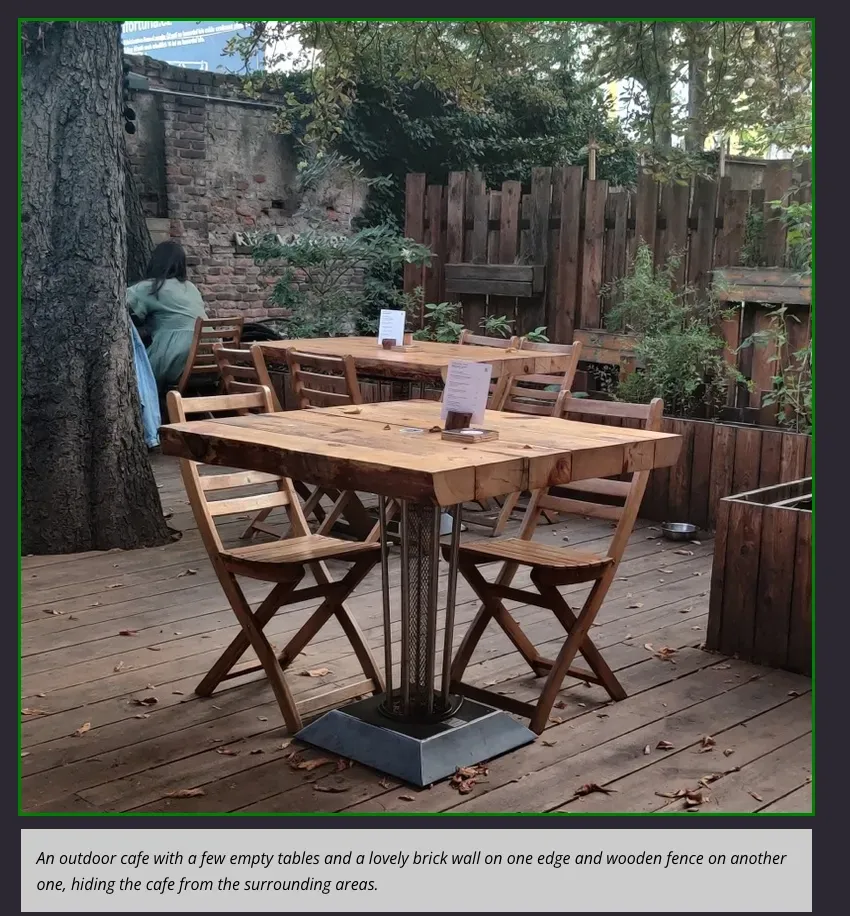
When run, it will outline images based on what kind of alt text they have:
- No alt text at all? Red outline
-
Empty alt text (
alt=""oralt=" ")? Yellow outline - Non-empty alt text? Green outline
You can find the code at https://github.com/Hamatti/alt-text-debugging-bookmarklet.
If something above resonated with you, let's start a discussion about it! Email me at juhis@hamatti.org and share your thoughts . This year, I want to have more deeper discussions with people from around the world and I'd love if you'd be part of that.