Improve Finder’s QuickLook with plugins
Jul 11th, 2026
This blog post is a sort of Public Service Announcement for all the MacOS users who don’t know about QuickLook plugins.
MacOS’s file explorer Finder has a handy feature Quick Look that allows you to quickly preview a file without opening it. However, on default it supports a rather limited amount of popular file formats.
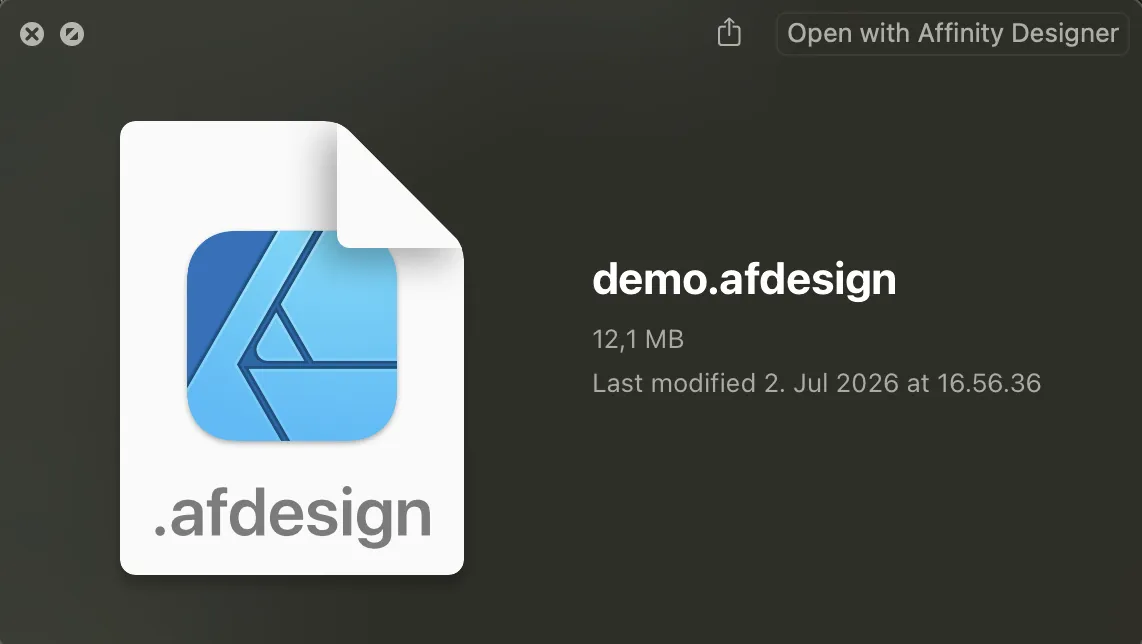
For example, trying to QuickLook an
.afdesign file gives the default
“preview not available” info box:
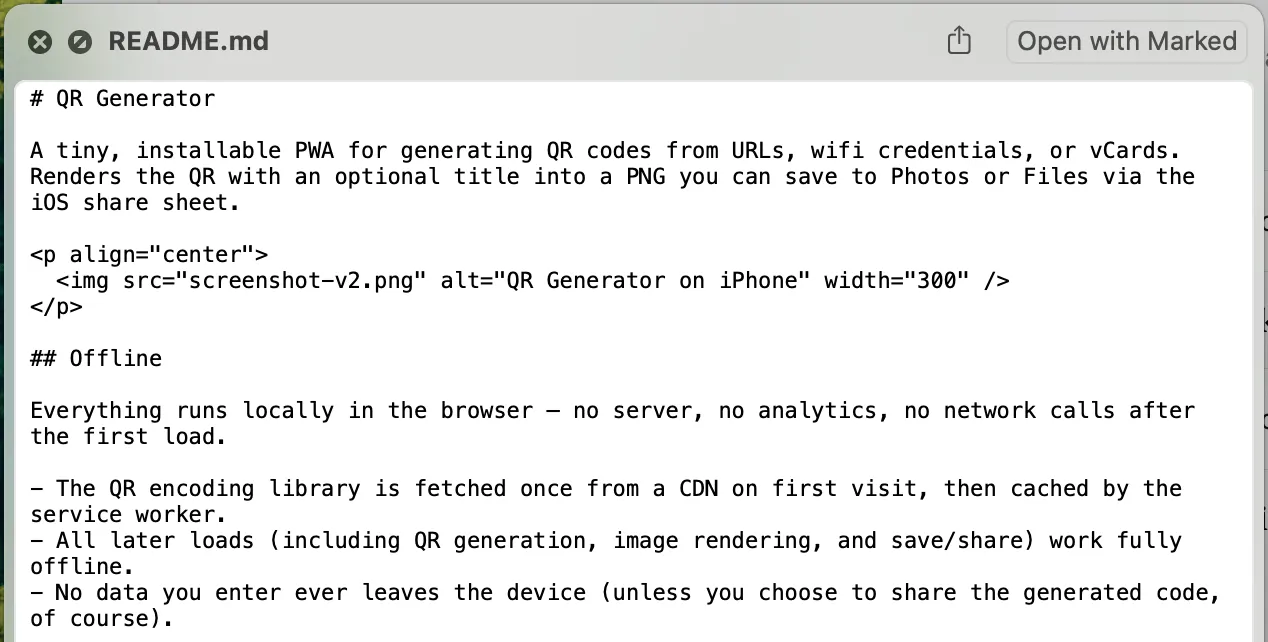
For text files, the default is to show plain text preview regardless of the underlying format like with Markdown:
Luckily, it’s extendable by plugins.
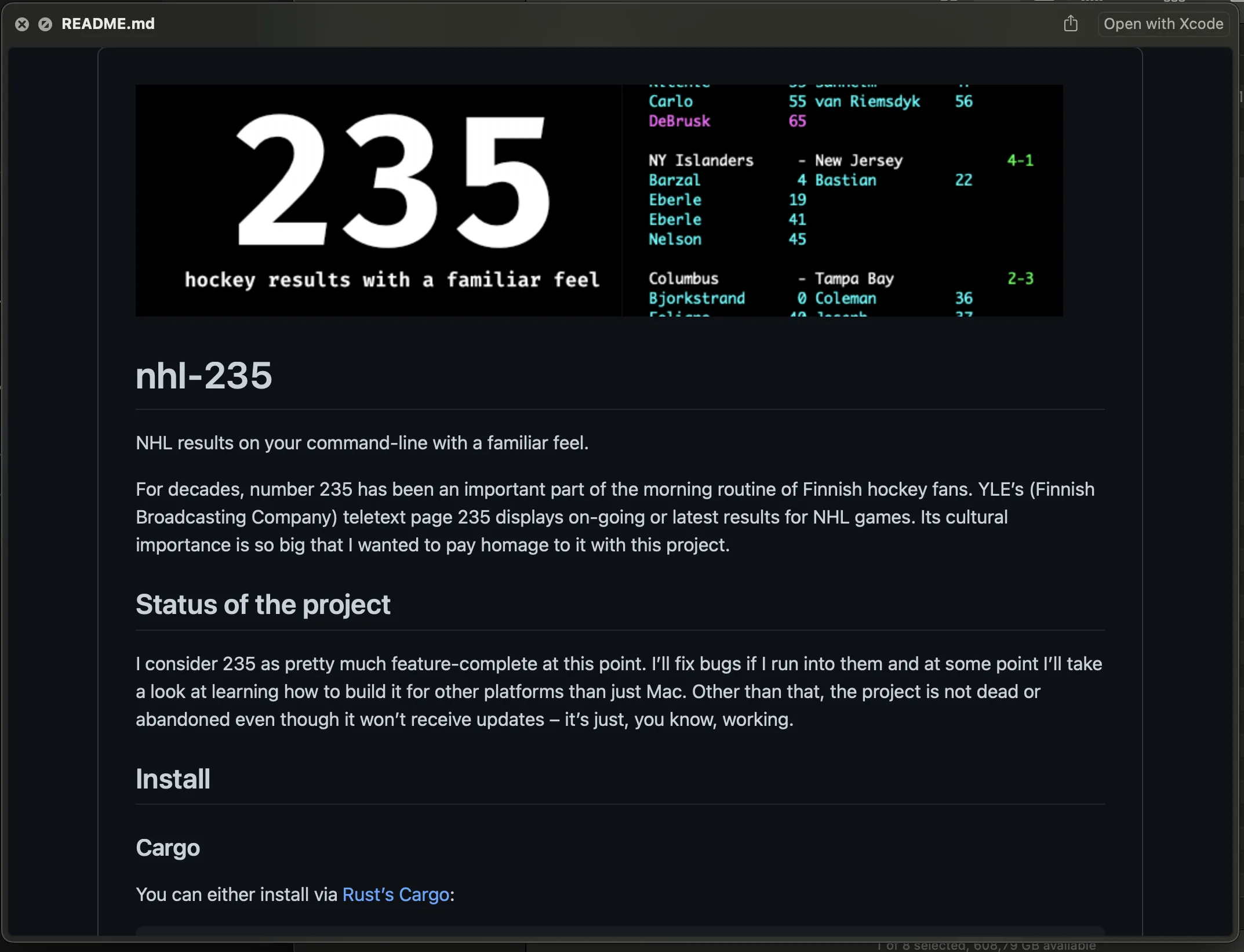
I use sbarex’s QLMarkdown for rendering Markdown files. It has a lot of configurable options and themes if you need something specific but has sensible defaults for quickly checking out your Markdown files.
Here’s an example QuickLook of README.md for nhl-235:
Another example is video files. .mp4 and
.mov files preview nicely by default but
.mkv and
.webm videos don’t.
I use Oil3’s QLCodec for mkv files and their Webm-QuickLook-Plug-In for webm. Apparently the QLCodec should also work for webm but I had installed the latter earlier before I discovered my need for mkv previews so I have both for now.
sindresorhus has a nice list of plugins so if you’re looking for something specific that you need to preview regularly, check it out.
If something above resonated with you, let's start a discussion about it! Email me at juhis@hamatti.org and share your thoughts . This year, I want to have more deeper discussions with people from around the world and I'd love if you'd be part of that.